The journal
What are some good categories for a commonplace book, and how to start
how to start a commonplace book with practical categories, a front index, and three starter templates to set up in thirty minutes.
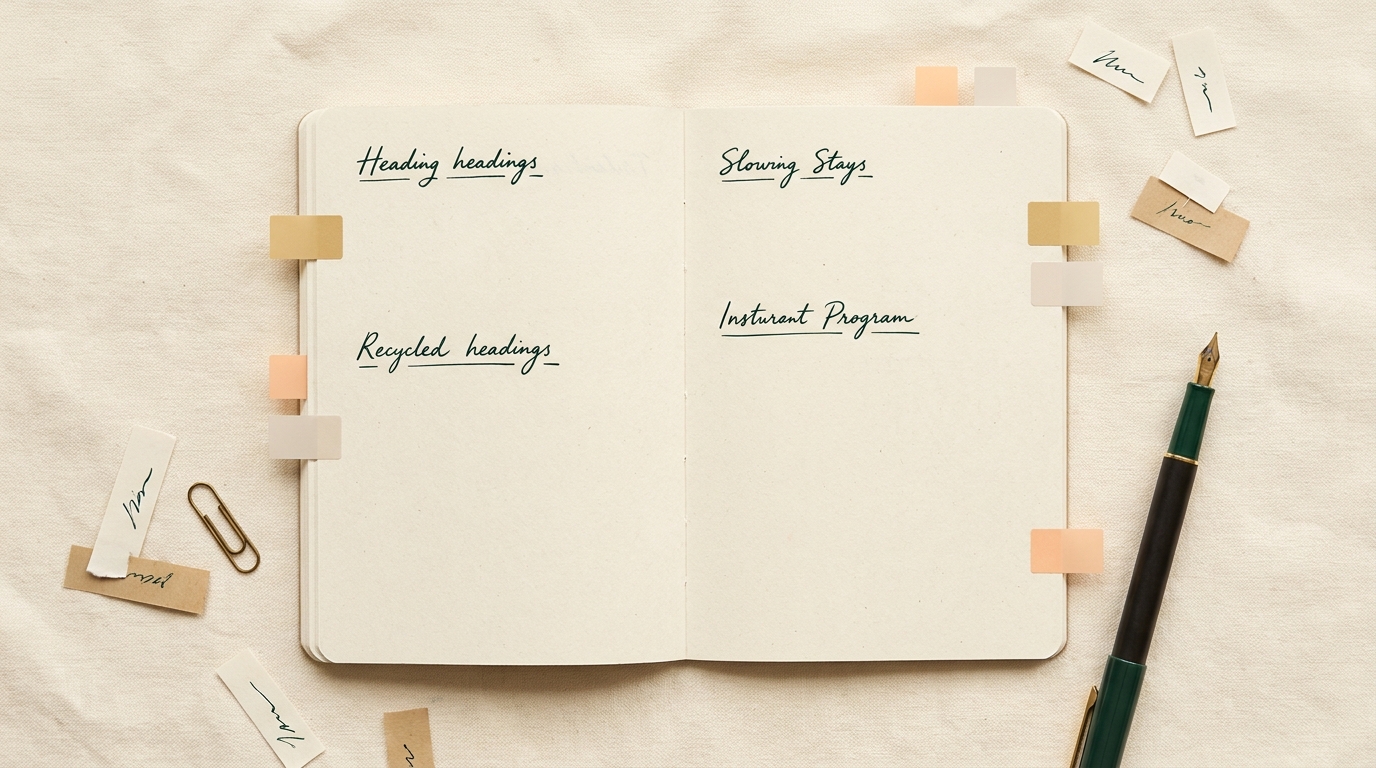
Quick answer and what a commonplace book is
Short definition
A commonplace book is a personal repository for excerpts, ideas, and notes compiled so you can find and reuse them later, and historically these collections mixed genres like quotations, recipes, and marginalia, which shows how flexible the practice is The British Library.
In practice a commonplace book is useful for capture, review, and reuse whether you keep one on paper or in digital notes. The exact structure is less important than having some predictable retrieval moves so entries do not disappear into an unread archive JSTOR Daily.
What are good categories to start a commonplace book with?
Begin with five to eight practical categories such as quotes, reading notes, ideas and project references, reference snippets, and personal reflections, and pair them with an index or simple tag key so you can find items later.
Who benefits and why
Writers, students, makers, and anyone who reads regularly benefit because a commonplace book turns ephemeral impressions into an organized resource for projects and reflection.
My short, practical recommendation is simple: start now with five starter categories, add a front index and page numbers or tags, and iterate as you learn what you return to most.
Core categories to consider for your commonplace book
A compact, practical category list
Use a small, stable set of categories you can actually use. A good five to eight starter categories are: quotes and excerpts, reading notes, ideas and project references, reference snippets and resources, personal reflections and prompts.
Each category serves a clear role. Quotes and excerpts capture memorable lines you want to revisit. Reading notes keep a short record of key points from what you read. Ideas and project references connect ideas to current work. Reference snippets store facts, links, or how-to steps you might reuse. Personal reflections collect prompts, observations, and learning notes to review later.
Historical commonplace practice mixed genres freely, which supports including recipes, proverbs, or marginalia alongside scholarly notes when they are meaningful to you The British Library.
Why each category matters
Quotes and excerpts are high signal for future writing and inspiration because a short excerpt can seed a whole essay or a project brief.
Reading notes give context so you remember why a passage mattered, and they make later synthesis faster. Treat each reading note as a one to three sentence summary plus a short tag for retrieval JSTOR Daily.

Ideas and project references are where work and capture meet. When an idea arrives, note the next concrete step or a link to the relevant project so notes become action items rather than vague lists.
Reference snippets and resources form a lightweight reference file you can copy into a project folder or digital resource list. Think of this category as something you consult, not only store.
Personal reflections and prompts are the connective tissue. Short reflective notes help you spot patterns over weeks and months and give personal continuity to otherwise disconnected excerpts.
Simple page and index setups for quick retrieval
Front index and page numbering
For an analog notebook, a front index combined with numbered pages and occasional cross references is a straight forward retrieval system; set up an index at the front and add entries as you go so you can look up topics later New York Public Library.
In a digital system, consistent tags and backlinks serve the same role. Use a predictable tag format and add a backlink to the note that inspired a project to preserve context for later Zettelkasten overview.
Tags, symbols and color keys
Margin tags, simple symbols, or a color key make scanning fast on paper. Pick two or three symbols and a color or two, then use them consistently so your eyes learn the pattern.
Digital equivalents are consistent tags, folders, or a small set of projects as top level containers. If you use both analog and digital, mirror a small tag set across both so items findable in one place are findable in the other Bullet Journal.
Simple capture to index workflow
Follow a short workflow to keep capture low friction: capture an item, assign one category tag, record the page number or backlink, and decide if it should be added to the front index.
Start with a quick check: if the item is for immediate project use, mark it Project. If it is reference, mark it Resource. This small habit keeps your commonplace book working for both short term work and long term reference PARA method.

a short capture and index routine to use every session
Frameworks you can borrow: PARA, Bullet Journal, Zettelkasten
How PARA maps to commonplace needs
PARA slices material into four buckets, which adapts easily to commonplace use: Projects for active work, Areas for ongoing responsibilities, Resources for reference material, and Archives for older notes you rarely use Forte Labs.
Use PARA when you want to separate immediate tasks from evergreen reference. Put items you need to act on in Projects, and move long lived notes into Resources to keep your daily capture uncluttered.
Using Bullet Journal collections and an index
The Bullet Journal habit of dedicated collections plus a running index is ideal for paper commonplace books; create themed spreads and list them in the index so finding a topic is a page lookup away Bullet Journal.
Collections work well for series like 'Quotes on craft' or 'Recipes to try' because they collect similar items together without forcing a deep taxonomy.
Zettelkasten principles for link first notes
Zettelkasten emphasizes small atomic notes and explicit links between them rather than deep hierarchies. Use that idea when you want lightweight, linkable entries that grow a web of associations useful for later synthesis Zettelkasten overview.

Combining Zettelkasten with a commonplace book means you can keep short, focused entries and rely on links to show context, which reduces the need for complex category trees.
Common mistakes and how to avoid them
Too much structure too soon
A common pitfall is designing an elaborate taxonomy before you have real content; that adds capture friction and often stops the practice. Begin with a small set of categories and evolve them over time, using what you actually return to as your guide JSTOR Daily.
Instead of adding twenty tags at the start, pick five to eight categories and a couple of symbols. You can split or merge categories later when patterns emerge.
Neglecting retrieval and review
Another problem is storing material without a regular habit of review. Notes are most valuable when they circulate into projects and reflection routines.
Set a lightweight review habit such as a monthly scan of the index or revisiting five old entries each week. That keeps the commonplace book alive and lets you spot themes to build into projects New York Public Library.
Sample templates and next steps to start today
Three starter templates
Minimal template, ready now: choose six starter categories, quotes, reading notes, ideas, projects, reference snippets, reflections, and reserve the first two pages for an index. Number pages as you go and add index entries for themes you expect to revisit.
PARA inspired template: divide a spread into four sections labeled Projects, Areas, Resources, Archives. Use Projects for active items and Resources for evergreen reference. This maps capture directly to work and reference needs PARA method.
Atomic notes hybrid: write short, standalone notes with a unique short ID, tag each note with one category, and add explicit backlinks to related notes. This combines Zettelkasten linking with a commonplace category layer so you have both quick retrieval and a web of associations Zettelkasten overview.
Actionable 30-minute setup plan
Thirty minute checklist: choose analog or digital medium, pick five starter categories, set up the front index and number the first 50 pages or create the initial tag set, make a short tag key, and capture your first five items that span at least three categories.
Spend ten minutes choosing categories and setting up the first index entries, ten minutes capturing five items, and ten minutes quickly tagging and cross referencing them. This short session makes the system habit forming without being onerous Bullet Journal.
Closing practical notes
Commonplacing is a long standing practice that favors flexibility and retrieval over rigid categories. Start small, use an index or predictable tags, and review notes so your commonplace book becomes an active tool rather than a storage box The British Library.
Over time you will adapt categories, merge or split sections, and settle on a routine that fits your reading and project rhythm. The point is to lower capture friction and increase reuse.
Frequently asked questions
What should I put in a commonplace book first?
Start with five items across different categories such as one quote, one reading note, one idea, one reference snippet, and one personal reflection.
Is a digital commonplace book better than paper?
Neither is categorically better; choose the medium that matches your habits. Digital notes simplify tagging and backlinking, while paper supports quick capture and tactile review.
How often should I review my commonplace book?
Aim for a light weekly or monthly review routine, such as scanning the index or revisiting a handful of older entries to move useful notes into projects.
Begin with a modest set of categories and make the front index or tag key your retrieval anchors. The goal is not elegance but usefulness. Return to your notes regularly and let the system evolve with your projects.