The journal
What are the best ways to document a project? A practical guide
how to document a creative project with a practical workflow, templates and standards for accessibility and preservation.
Why documenting a creative project matters and what to aim for
Deliberate project documentation turns fleeting choices into reusable knowledge. When you record research notes, decisions and delivery artifacts as you go, the work becomes traceable, easier to hand off and less risky for everyone involved, a practice echoed in recent public sector delivery guidance De‑risking Government Technology: A Field Guide 2.0.
For creative teams, a good metric is usefulness: documentation should let a new collaborator understand why decisions were made, reproduce a deliverable when needed and find the latest approved asset without hunting through inboxes. Maintaining a design history or decision log helps make that trace explicit and supports knowledge transfer across roles, which reduces rework and onboarding time when people change or projects pause Store and manage user research data.
Version history and changelogs are core to modern workflows and give teams a factual record for rollbacks or audits. Even in non‑software creative projects, a simple changelog paired with file versioning creates a clear trail of what changed, when, and why. That same evidence is recommended in delivery guidance to de‑risk projects during handover and delivery De‑risking Government Technology: A Field Guide 2.0.
Benefits: traceability, risk reduction and knowledge transfer
Traceability means you can answer who decided what, when and on what basis. A decision log records a short summary, the reason, the options considered and the date. Kept alongside an asset registry it makes audits and future work faster.
Risk reduction comes from simple rituals: saving raw research notes, tagging prototypes with version identifiers and noting major decisions in a running log. These practices reduce the chance that a single missing file or an undocumented choice derails delivery.
What good documentation looks like in creative work
Good documentation in creative work is concise, indexed and intentionally split by purpose so each reader finds the information they need without sifting through unrelated content. Use clear filenames, an accessible storage location and short summaries that link to the evidence behind a decision.
Keep the artifacts you produce every day, sketches, screenshots, meeting notes and quick videos, and pair them with a one line decision note and a changelog entry so the context lives with the file, not in someone's inbox.

When and what to capture during a creative project
Capture continuously, but keep it lightweight. At discovery, save raw user research, interview transcripts or observation notes in a searchable place and link them to the research record; this practice aligns with public sector guidance on storing user research to reduce future risk Store and manage user research data.
During ideation, capture sketches, thumbnails and quick prototypes. Mark which versions were tested and note the feedback that mattered. A brief changelog entry for each prototype helps later when you need to trace why a direction was chosen.
In development and production, preserve a running changelog and tag versioned files using clear semantic labels or timestamps. Version history is not only for code: when an image set, type treatment or animation changes, note what changed and why so future editors can roll back if needed De‑risking Government Technology: A Field Guide 2.0.
Continuous, lightweight records to create a living audit trail
Make lightweight notes part of your daily habit: one line per meeting, one decision summary when you choose a direction, and one update to the changelog when an asset is approved. These micro entries add up to a living audit trail that stays current without heavy admin.
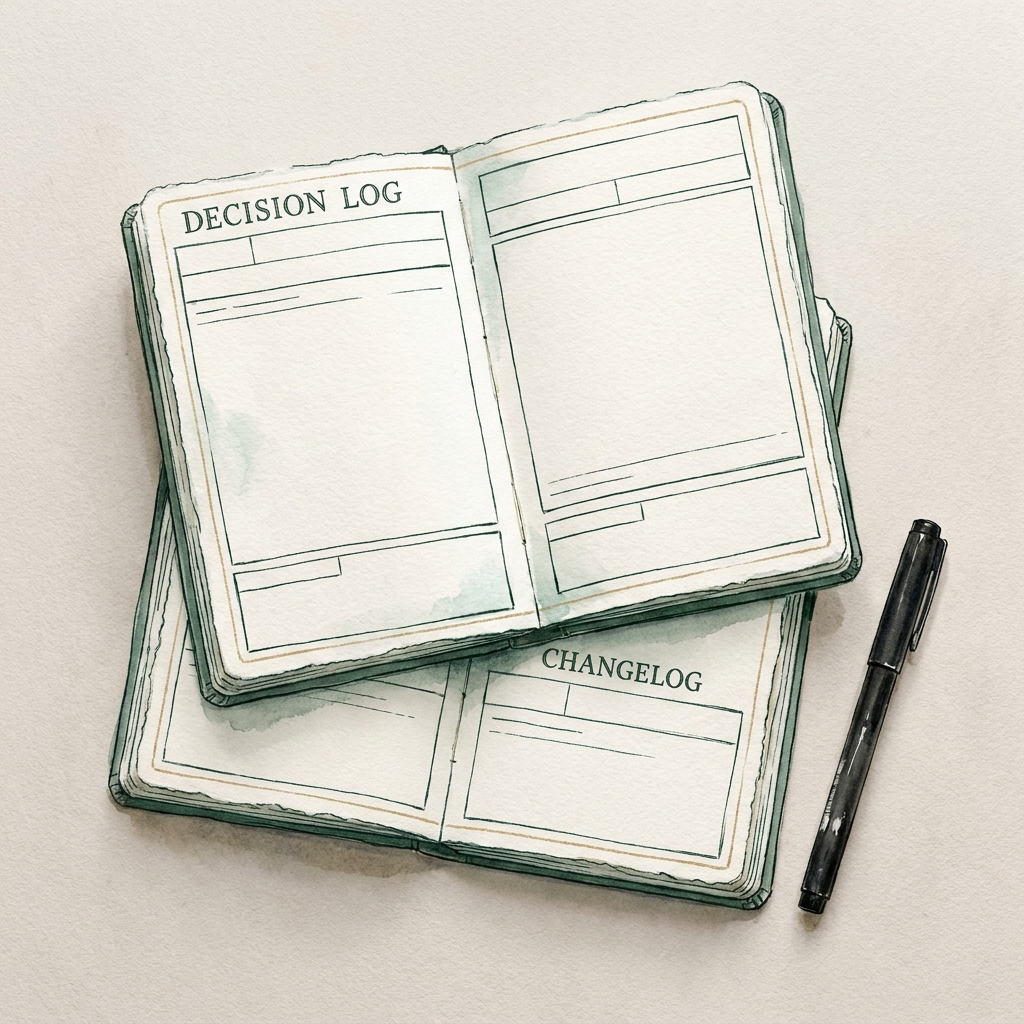
Store these records where the team already works, whether that is a versioned cloud folder, a simple CMS or a project notebook. The key is regular, discoverable updates rather than perfect formatting.
Specific items to capture: research, decisions, assets, and versions
Essential items to capture by phase include discovery artifacts, raw research and interview notes, decisions and rationale, asset masters and their export copies, and changelogs or version notes. For preservation reasons, export master files to formats that are known to be preservation friendly when the asset is final Recommended Formats Statement 2024-2025.
Collect everyday artifacts: meeting notes, photos and video of physical prototypes, sketches, and file version history. Together they form the context that explains how a deliverable evolved and support future reuse.
Organize your docs with the Diátaxis framework so people find what they need
Diátaxis separates content by user need into tutorials, how to, reference and explanations. This simple map makes documentation findable and keeps guided content focused and short, while reserving reference pages for facts and data The Diátaxis documentation framework.
Start by sorting your current files into which question they answer: Do I want to learn by example, get a quick how to, look up a fact, or understand the design rationale? That sorting alone reduces noise and lets different audiences find useful content faster.
What is the simplest set of records that make a creative project traceable and reusable?
A one line decision log, a chronological changelog, the final master assets with basic metadata and accessibility notes form the minimal set that makes a project traceable and reusable.
For creative projects, map common outputs into Diátaxis like this: short sketch tutorials that show a designer how to reproduce a look; how to guides for handoff and production steps; reference pages listing asset names, formats and sizes; and explanations that document the rationale behind major choices. Keeping guided content short prevents bloat while reference pages hold the precise facts.
What Diátaxis is and why it fits creative work: how to document a creative project
Tutorials are example led and help someone learn a technique end to end. Use them for common tasks such as preparing files for print or exporting responsive image sets.
How to guides are procedural and short. Use them for routine handoffs such as staging assets, naming conventions or export steps so a contractor or teammate can complete the task without reading background theory.
Mapping creative outputs to tutorials, how to, reference and explanations
Reference pages hold definitive data: asset registries, format lists, color palettes and approved type sizes. Explanations describe the reasons: why a grid was chosen, why a tone of voice was preferred, and what constraints shaped a decision.
When teams adopt this structure, people stop expecting a single monolithic file to explain everything. Instead they find short, purpose aligned pages that answer the question they actually have.
Practical templates, accessibility checks and preservation rules to follow
Below are short templates you can copy, followed by accessibility and preservation checks to apply to assets before handover. Templates should be minimal: collect the fields you need, not every possible column.
a quick set of records to keep a creative project traceable
Decision log, one paragraph outline: date, author, brief decision statement, options considered, rationale and a pointer to the evidence or asset. Keep entries short so they are used.
Changelog, one paragraph outline: date, summary of change, files affected, author, and semantic version or timestamp. Use it for iterative assets as well as code.
Research record, one paragraph outline: project phase, method, short summary of findings, links to raw notes, and any consent or data handling notes required for reuse. Store raw notes in an accessible location so they can be inspected later Store and manage user research data.
Accessibility checklist, essentials: add alt text to images, provide captions for video and audio, and supply transcripts for recorded interviews and user sessions to meet current expectations under WCAG 2.2 Web Content Accessibility Guidelines (WCAG) 2.2.
Use the WAI decision tree for images when deciding what alt text is appropriate and when an image is purely decorative, so you avoid both missing text and unnecessary long descriptions Images: Alternative Text Decision Tree.
Preservation notes: when you reach a stable final asset, export or archive masters in formats recommended by the Library of Congress to improve the chance assets remain usable over time Recommended Formats Statement 2024-2025.
Metadata practices: include human readable titles, a short description, creator and date fields, and a simple version identifier in file metadata or an accompanying registry. These small steps make searching and future reuse straightforward.
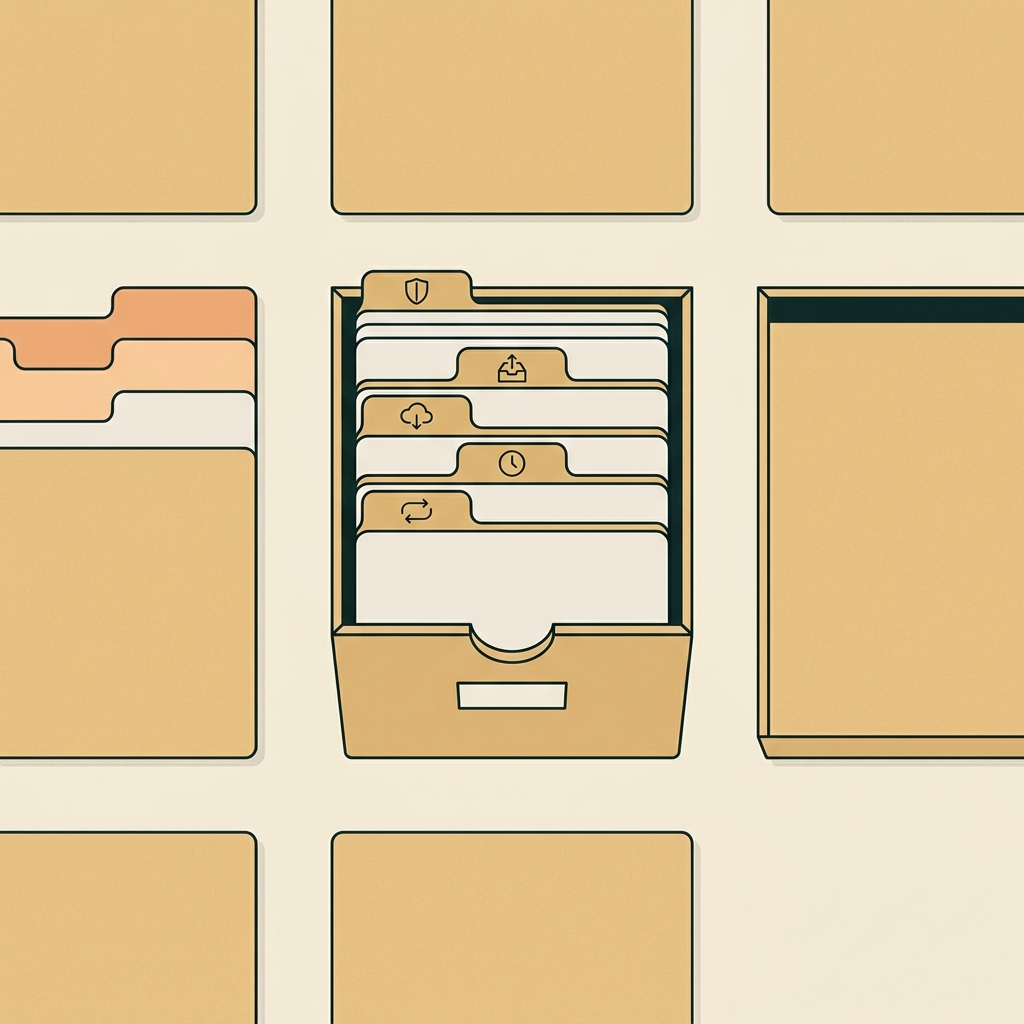
Templates: decision log, changelog, research record
Decision log fields you can copy: Date, Author, Decision Title, Summary (one sentence), Options considered (one line), Rationale (two lines), Evidence link. Make each entry scannable and link to the supporting artifacts.
Changelog fields you can copy: Date, Author, Change summary, Files changed, Version or tag. Keep the changelog chronological and searchable so a reviewer can reconstruct the sequence of changes.
Research record fields you can copy: Project phase, Method, Participants summary, Key findings (bullet list), Raw notes link, Data handling note. Store raw notes and consent records together so findings are verifiable.
Common pitfalls and how to avoid them in creative documentation
One common mistake is mixing intents in a single document. When tutorials, how tos and explanations live together, readers cannot easily find what they need. Diátaxis helps by keeping short, guided content separate from reference facts The Diátaxis documentation framework.
Another frequent error is treating accessibility as a final checklist item rather than a continuous habit. Missing alt text, absent captions or no transcripts compound accessibility problems during handover and remove reuse options for some audiences. Apply simple checks during asset approval to avoid this omission Web Content Accessibility Guidelines (WCAG) 2.2.
Failing to preserve original files and clear metadata risks losing fidelity or context when a project is archived. Prefer preservation friendly formats and add basic metadata so later archivists can understand the content without relying on memory Recommended Formats Statement 2024-2025.
Mistakes that make documentation unusable
Overly long, undifferentiated notes discourage reading. If every document includes all the background, the how to and the reference facts, readers give up. Keep a short how to for immediate tasks and move detailed explanations to a separate document.
Similarly, inconsistent naming and missing version notes make it hard to tell which file is the source of truth. Use a simple naming pattern and update your changelog as part of the approval flow to prevent confusion.
How to keep documentation lightweight and discoverable
Make the minimal investement that answers the most likely future question: who did this, why and where is the source. A one line decision note, an asset filename that matches a reference entry and a changelog item will cover most needs.
Index reference pages with a clear table of contents or an asset registry so searches find facts, not opinion. This keeps guided content short and the reference factual.
Putting it all together: a simple daily workflow and final deliverables
Adopt small daily and weekly habits that keep documentation current: write one line after each meeting, add a changelog entry when an asset moves from draft to approved, and run a weekly review to collect loose notes into the research record. These routines make the final handover short and reliable De‑risking Government Technology: A Field Guide 2.0.
Daily habit example for a solo creator: at day end save new files to the shared folder, add a one line changelog note, and update the decision log with any choices made. For teams, add a short weekly sync where decision summaries and research highlights are captured centrally.
Final deliverables at project close should be compact and purpose driven: a condensed decision log, an annotated asset bundle with preservation friendly masters, accessibility notes listing alt text and transcripts, and a short how to for future users explaining how to open or rebuild key assets Recommended Formats Statement 2024-2025.
Keep a single asset registry that points to masters and export copies, notes which format is authoritative, and records any known limitations for reuse. That registry is the quickest path for future teams to repurpose work.
A lightweight daily and weekly routine for solo creators and teams
Day to day: quick meeting note, one line update to the changelog, store new files into the versioned folder. Weekly: consolidate meeting notes into the research record, review decision log entries for clarity, and export final versions of critically important files to preservation formats.
These routines should be short and repeatable so they survive busy periods. The goal is continuous habit rather than perfect completeness.
What to hand over at project close
Deliver a short package: annotated asset bundle, condensed decision log, accessibility notes and the how to for future users. The annotated bundle should name the master files and list the recommended export formats for reuse.
Record open questions about AI assisted steps and how they were used, including what metadata was generated. Capturing that context helps future audits and clarifies provenance for algorithmic steps.
Frequently asked questions
What is the minimum documentation I should keep for a small creative project?
Keep a short decision log, a changelog, the final master assets and notes on accessibility such as alt text and transcripts.
How often should I update the decision log?
Update the decision log whenever a material choice is made and review it weekly to capture any missed entries.
Which formats should I use to preserve creative assets?
Prefer the preservation friendly formats recommended by the Library of Congress and include basic metadata and a master file.
Good documentation is a habit, not a heavy deliverable. Small, consistent acts, noting decisions, keeping a changelog and exporting preservation friendly masters, save time later and make your creative work easier to reuse. Start with the minimal templates above, run a weekly review, and let the documentation grow from useful daily practice rather than an end of project scramble.