The journal
How to take notes in an organized way for nonfiction writing?
Choose an index and filing method that let you retrieve notes and their sources. Keep quotation, paraphrase and reflection distinct, and verify OCR before quoting it.

Use a single home for your research notes, tag them by topic and relevance, and process each reading session into concise summaries you can slot into your outline. Start by targeting what you read using a book’s table of contents, index, and introduction, then convert only the useful parts into organized notes you’ll actually draft from. This keeps you focused on your argument instead of drowning in highlights.
Choose, don’t hoard: target reading before you take notes
Efficient nonfiction note-taking starts with selective reading. Before diving into a book, scan the table of contents to understand the structure and identify priority chapters, and use the index to jump straight to terms central to your topic. Many introductions summarize the author’s argument and chapter contents, which helps you decide what to read closely and what to skim. Academic reviews can also quickly tell you a book’s main argument and contribution so you can decide if it’s worth your time or which chapters matter most (Purdue OWL: Active Reading 2).
Build a notes system you can search reliably
Fragmented notes can make retrieval harder when you start drafting. Consolidate everything in one searchable place and use a simple, consistent tagging habit. Practical patterns that work in study contexts also translate well to nonfiction research: keep all notes together, tag each note by topic or relevance as soon as you create it, and highlight or summarize key points right after a reading session while the content is fresh (Genio: Organize your notes for exams).
A minimal tag set that scales
- Topic or theme tag (e.g., “urban-planning”, “migration-data”).
- Project/chapter tag (e.g., “ch2-roots”, “appendix-stats”).
- Usefulness tag (e.g., “core-argument”, “context”, “counterpoint”).
Keep tags few and consistent so searching is fast and friction stays low (Genio: Organize your notes for exams).
Turn reading notes into argument blocks
As you collect material, shape notes toward your eventual narrative. Development editing tasks for nonfiction include finding the hook, shaping the proposal, and building the narrative or argument; use these as organizing lenses for your notes. Group excerpts and summaries under the claim they support, park counterarguments in their own cluster, and keep examples and data close to the claims they illustrate. This makes it easier to move from notes to outline and draft (UChicago Press catalog: Developmental Editing).
Quick structure to file notes under
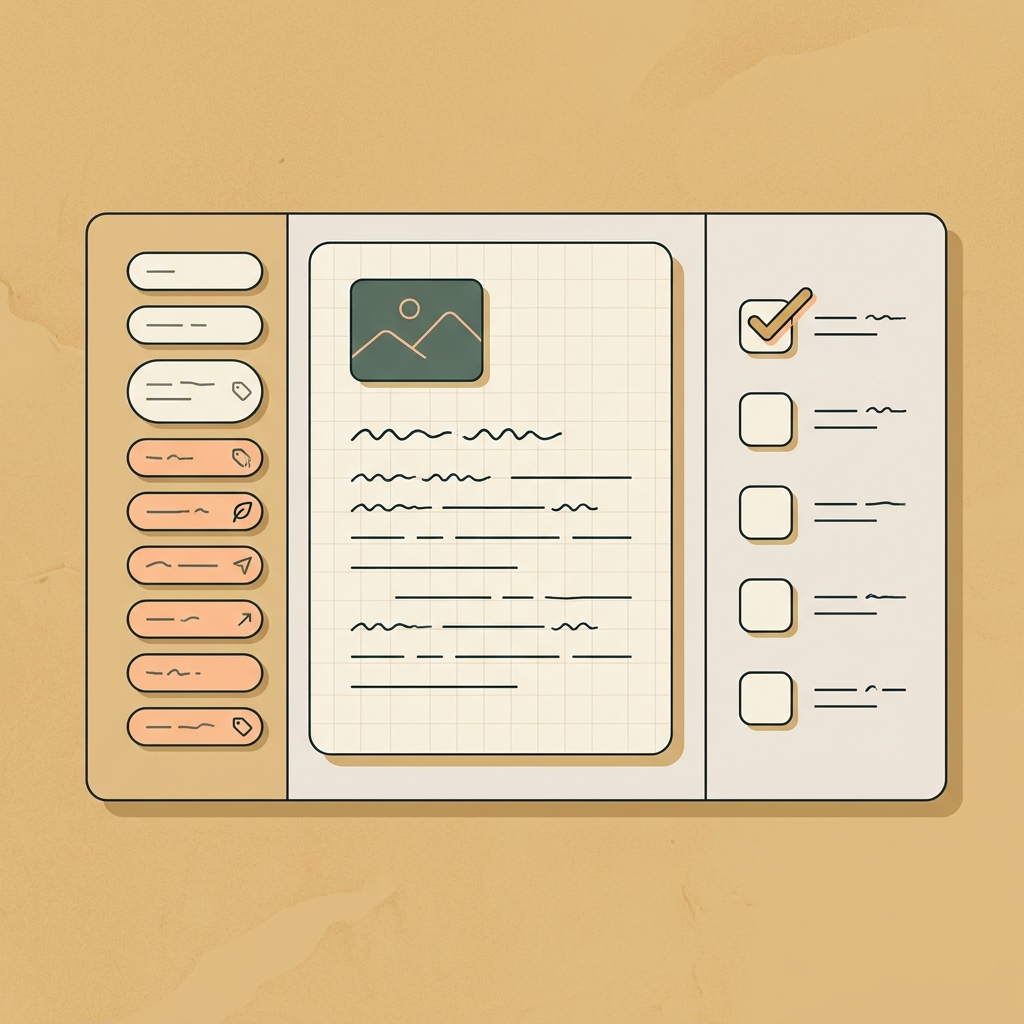
- Hook: notes that could open a chapter or frame the reader’s question.
- Claim: the point you intend to make in your own words.
- Evidence: sources, examples, excerpts that support or test the claim.
- Counterpoint: credible objections and how you’ll address them.
- So what: implications or why the point matters to readers.
If you also have to write about your own practice or process in the work, questions that clarify themes and motivations can help you file notes under the right headings without jargon (Artquest: Writing about your work).
Make processing a routine (space, time, review)
Notes only become useful when you process them consistently. Protect a small, recurring block of “office hours” for admin-like tasks such as importing clippings, tagging, and writing 2-3 sentence summaries. Keeping a distinct workspace for this kind of work and scheduling it prevents it from bleeding into your writing time (Artquest: Making your life as an artist).
- Make a space: a physical or digital desk just for admin/notes.
- Make a time: recurring office hours; save non-urgent tasks for then.
- See the big picture: use a calendar view to spot busy periods.
- Track your time briefly to learn your real rhythms before adjusting your routine (Artquest: Making your life as an artist).
Common pitfalls and how to fix them
- Scattered apps: move everything to one home. If you use paper and digital tools together, keep a clear index so you can find the source again.
- Over-tagging: stick to 3-4 tag types; complexity reduces consistency.
- Late summarizing: write a short summary right after reading; waiting means guessing later (Genio: Organize your notes for exams).
Set up your nonfiction note system today
FAQ
Should I take notes on paper or digitally for nonfiction?
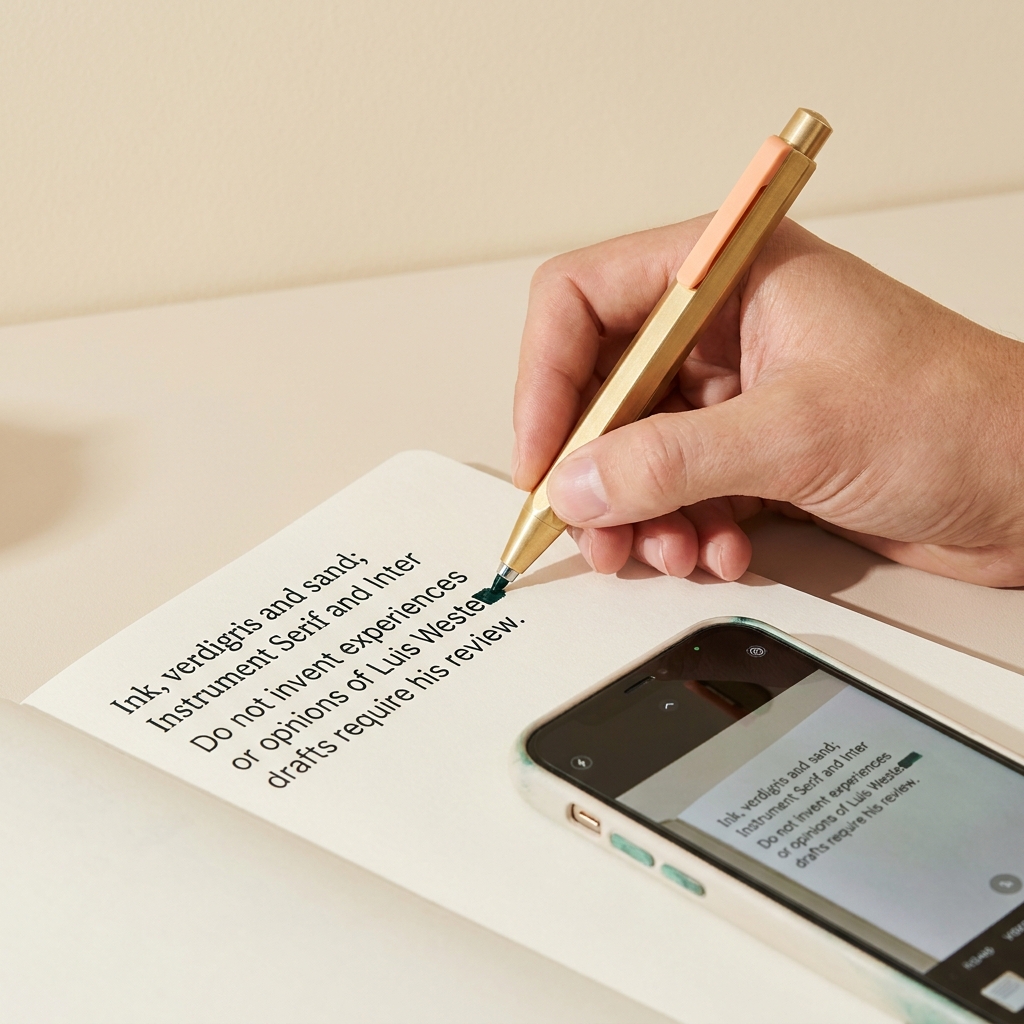
Searchability matters when you draft. If you prefer handwriting, index or scan your pages into your central system. A photograph is searchable as text only if the system recognises the handwriting accurately; check any OCR against the original before quoting (Genio: Organize your notes for exams).
How do I keep my notes aligned with a long project?
Let your outline drive your tags and filing. As chapters evolve, retag clusters under the updated headings, and keep a standing processing block on your calendar so notes don’t pile up (UChicago Press catalog: Developmental Editing; Artquest: Making your life as an artist).
Related reading on Luis Wester
- What are some good categories for a commonplace book, and how to start
- How do I organize a commonplace book? A practical guide