The journal
How to photograph art professionally
For flat artwork, check even light, camera alignment, reflections and the final file. Adapt documentation for three-dimensional work and follow the requested delivery specification.
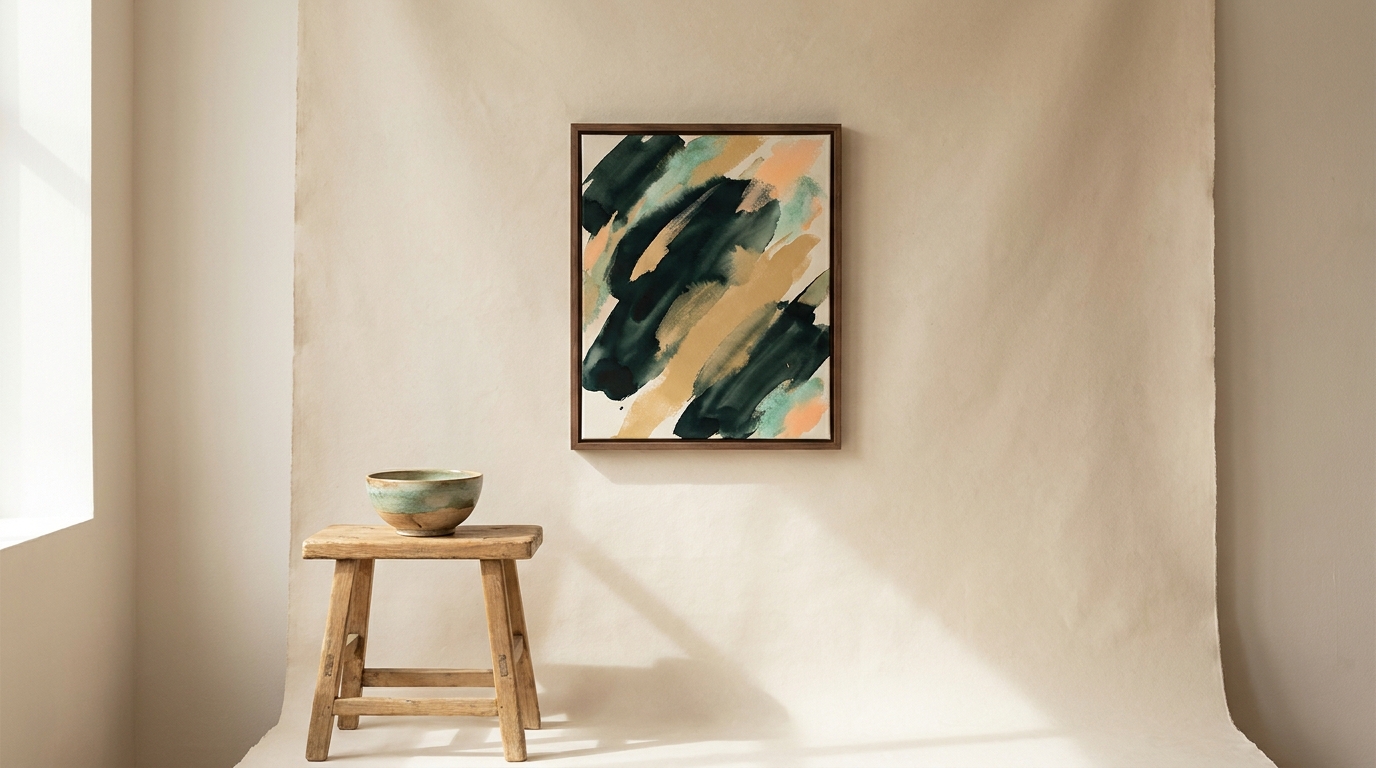
Set up controlled, even lighting
Start by eliminating uneven light and colour casts. A reliable studio approach is to place two identical lights at roughly 45° to the artwork, left and right, and diffuse them for soft, even illumination. Keep both lights the same colour temperature so you don’t get a colour shift across the surface (Alan Ranger guide). If you’re working on a budget, indirect window light can work; just avoid hard, direct sun and any mixed ambient lighting that adds a tint (Alan Ranger guide).
For shiny or varnished work, reduce glare using cross-polarization: place polarizing film in front of your lights and rotate a polarizing filter on the camera to 90° relative to the light polarization. Use suitable filters and manufacturer-approved mounting, keeping materials away from hot lamps. Inspect the result: reducing reflections can also change how a glossy surface appears (Artists Network: Photograph Your Art Like a Professional).
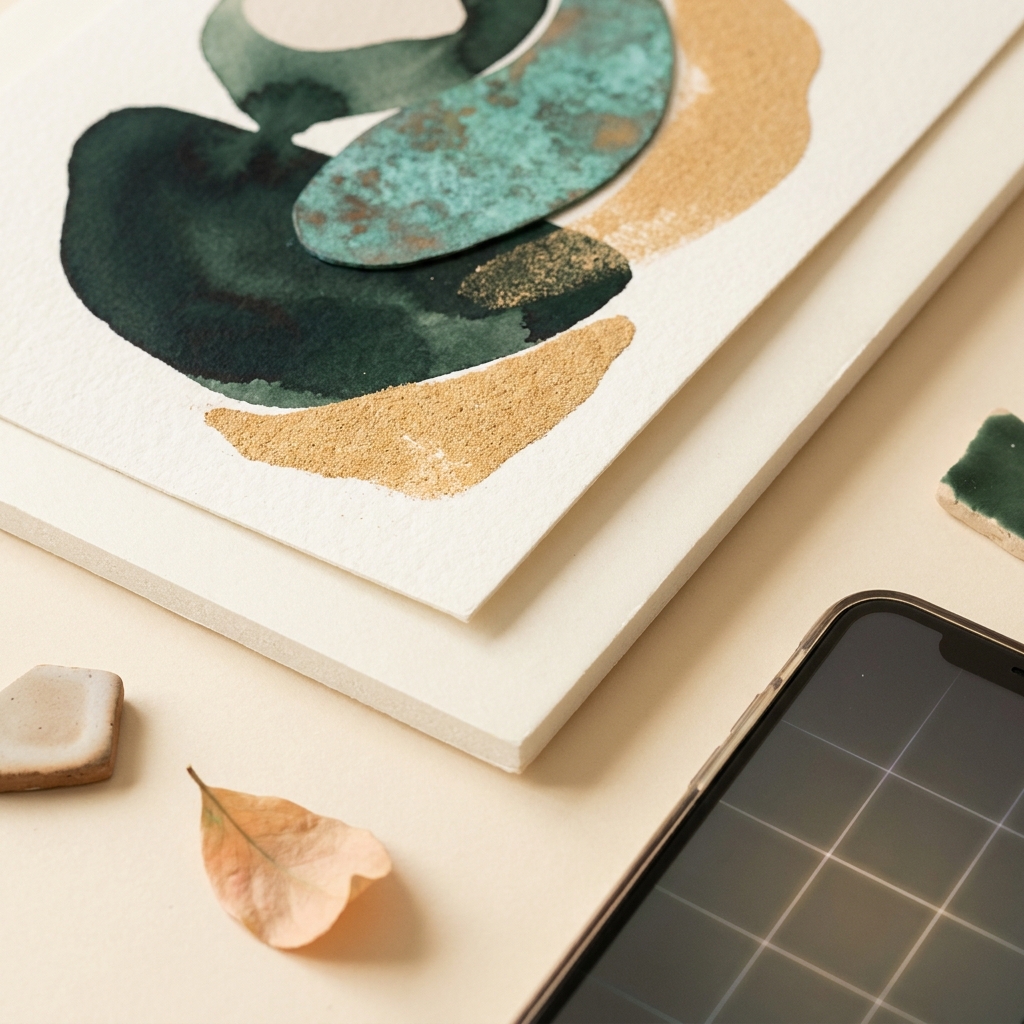
Align artwork and camera to avoid distortion
Mount the camera on a sturdy tripod and position it so the sensor plane is perfectly parallel to the artwork. Use your camera’s grid to square the frame and level both axes. Keeping the planes parallel prevents keystone “trapezoid” distortion and keeps edges straight (Alan Ranger guide).
Focus carefully (manual or single-point autofocus), use a low ISO, and shoot RAW so you can make non-destructive exposure and colour adjustments later (Artists Network). A self-timer or remote release avoids shake. If you’re unsure about exposure, take a short bracket (one normal, one slightly under, one slightly over) and pick the cleanest file.
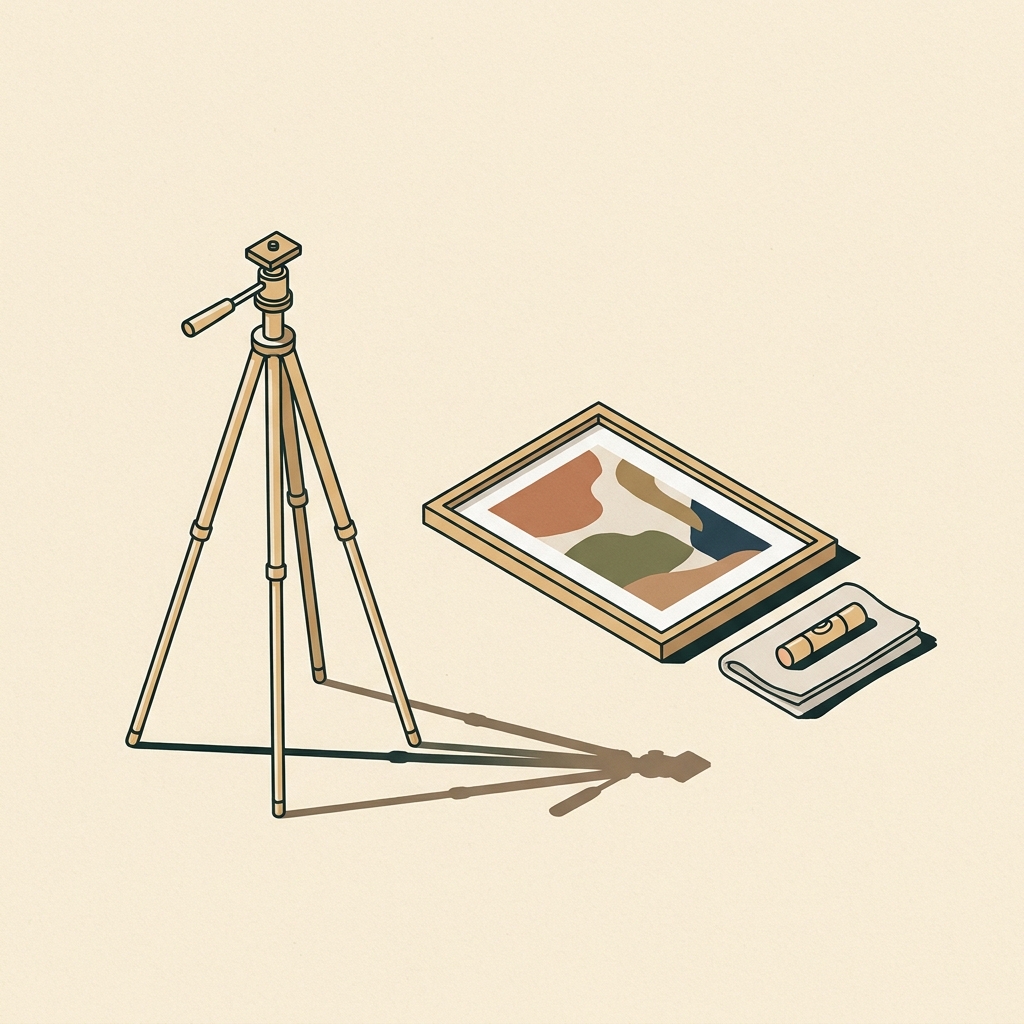
Adapt the approach for three-dimensional work
A sculpture or installation needs views that explain its form and context; a camera parallel to one flat surface does not describe the whole object. Follow the submission brief for required views, scale references and file delivery. Keep the documentation faithful rather than making an imagined composite stand in for the work.
Capture what selectors actually need
Make two kinds of images:
- A straight-on, evenly lit reproduction showing the artwork square in frame.
- An installation shot that shows the work in space for scale and context. Curators and selectors often prefer seeing how a piece reads in a room as well as the reproduction itself (Artquest degree-show primer, documentation pages).
Prepare clean deliverables
Export standard, easy-to-use files. A common, broadly accepted choice is JPEG for sharing and submissions. Keep resolution appropriate to use; for print, the required pixel dimensions depend on the reproduction size and requested pixels per inch. A 300 ppi delivery specification is an example, not a maximum image quality or a way to add detail to a small file. Always include clear credits and basic artwork data in or alongside the image: title, year, medium and dimensions (Artquest degree-show primer, press materials guidance).
Permissions: when you’re photographing others’ art
If you plan to publish images of artworks you didn’t create, check rights before you share. For modern works that are still in copyright, you may need two permissions: one from the copyright holder of the artwork and another from whoever supplies the photograph or digital file (the “use” permission). Public-domain works can still come with “use” terms from the lending museum or archive. When in doubt, ask before you publish (University of Chicago Press Permissions Guide).
Simple capture workflow
- Set the artwork on a neutral, flat background and remove nearby coloured light sources (Alan Ranger guide).
- Place two matched, diffused lights at ~45° left/right; check for evenness and adjust until reflections are minimized (Alan Ranger guide).
- Mount the camera on a tripod, enable grid/level, align the sensor perfectly parallel to the artwork, and frame tightly.
- Focus carefully, use low ISO, shoot RAW; take a short exposure bracket if needed (Artists Network).
- Export a clean JPEG for sharing and a higher-resolution master for print; include clear credits and key artwork details with the file (Artquest primer).
Quick checklist for professional artwork photos
FAQ
Do I really need installation shots? They help curators visualize how your work reads in a space and communicate scale better than a reproduction alone (Artquest degree-show primer, documentation pages).
Is it legal to publish my photos of someone else’s artwork? Often you need permission from the artwork’s copyright holder and, separately, permission to use the supplied image file. Public-domain works can still have use terms from museums. When uncertain, ask the rights holder before publishing (University of Chicago Press Permissions Guide).
Related reading on Luis Wester:
- How to photograph your artwork with a phone? Practical, standards-aligned workflow
- What are the best ways to document a project? A practical guide